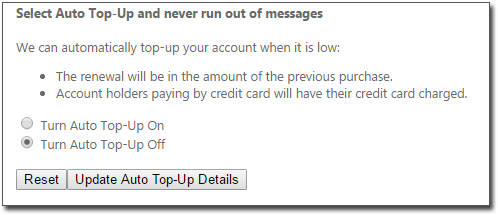
Checking Your Auto Top-Up Status
Before you begin
Procedure
- Select .
- Click View Account Details. Your web browser is opened, and you are directed to the MessageNet web site.
-
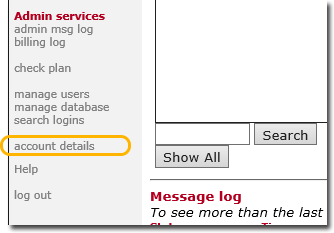
On theMessageNet web site locate and click account details.
-
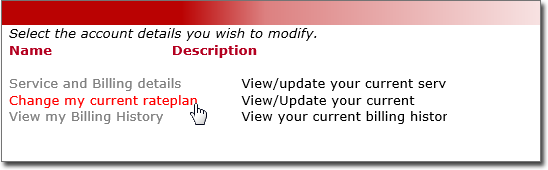
Locate and select the Change my current rateplan link.
You will be redirected to the MedicalDirector section of MessageNet.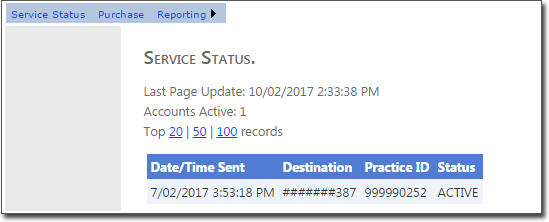
-
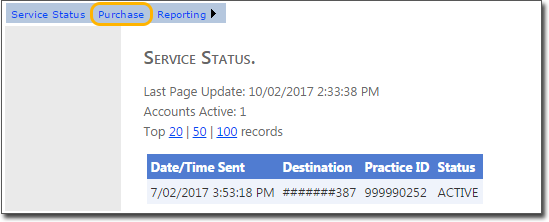
Select the Purchase link.
Results