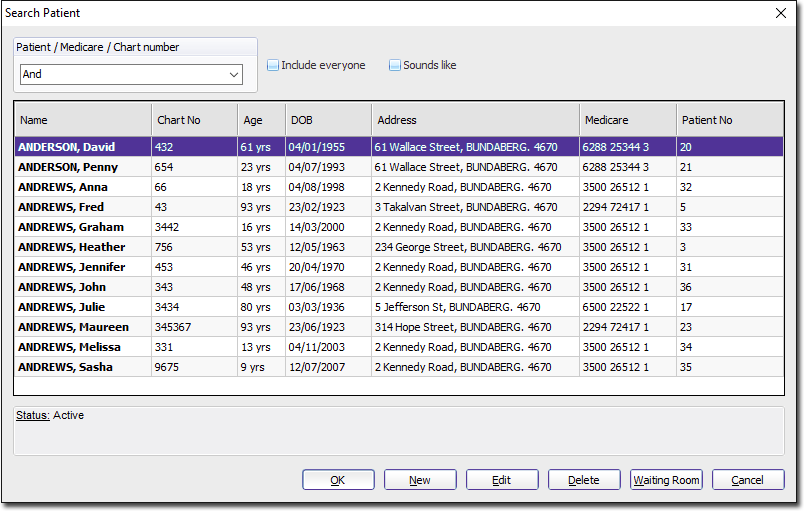
Patient Search - Standard
Before you begin
Procedure
-
From within the Waiting Room, either:
- Click
 Search Patient.
 - Select .
- Press F2.
- Click
-
In the Search Patient window, select the patient you are
looking for from the database.