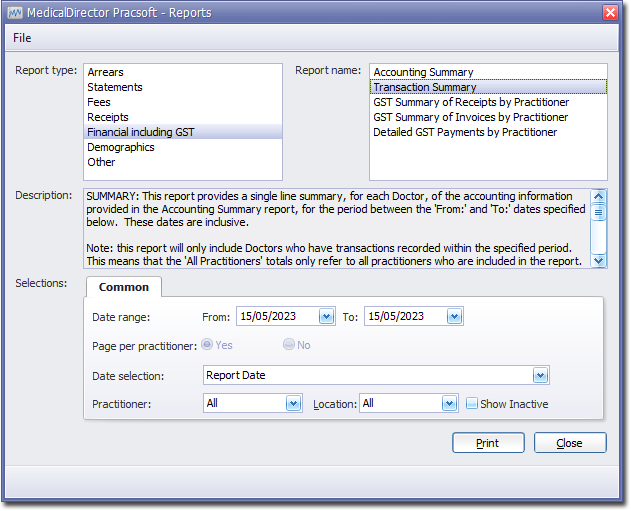
To Generate a Transaction Summary Report Before you begin Procedure Select Reports > All Reports. The Pracsoft Reports window appears. Within the Report Type section, select Financial Including GST. Within the Report Name section, select Transaction Summary. Select the Common tab: Enter a Date Range for the report. Via the Date Selection drop-down menu, indicate in which order you want the results displayed. Indicate which practitioner/s and location/s you want to limit the report to. Click Print when you are ready to proceed. Receipts Reports Results