
To Create a New Password
Before you begin
Procedure
-
Select . The User List window appears.
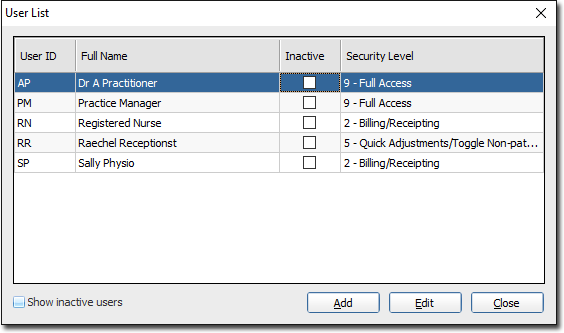
- Select the user whose password you want to recreate.
-
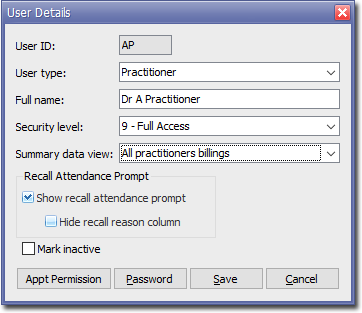
Click EditThe User Details window appears.
-
Click

The Set-up Password window appears.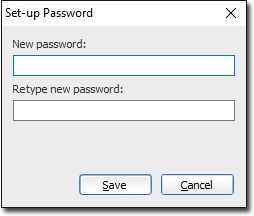
- Enter and confirm a new password.
- Click Save to confirm and close this window. You will be returned to the User Details window.
- Click Save to close the User Details window.
- Click Close to close the User List window.