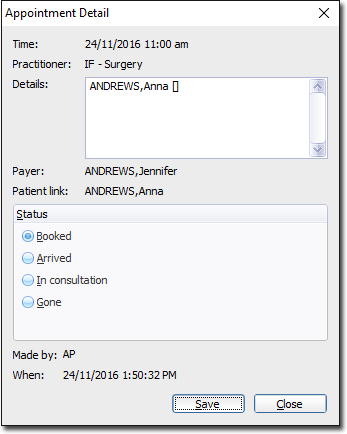
Appointment Details View the details of an appointment. Procedure Open the appointment book that contains the appointment you want to view. Right-click the appointment you want to view. Select Full Detail. In the Appointment Detail window, you can: Edit notes in the Details section. Change the patient's status. Click Save.