Customise the Legend
Customise the colours that indicate the status of appointments in the Appointment Book.
Procedure
-
Open the Appointment module. Either:
- Click
 Appointment
Book.
Appointment
Book. - Select .
- Click
-
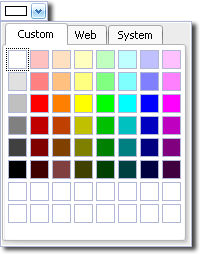
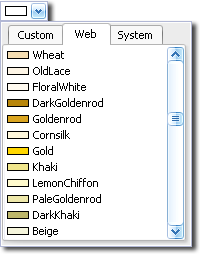
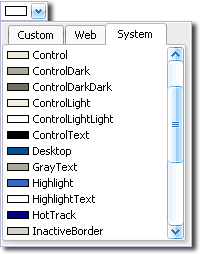
In the Colour windows, select or create a new colour via
one of the available colour palette tabs.