
Appointment Permissions
Before you begin
To configure appointment permissions for each user:
Procedure
-
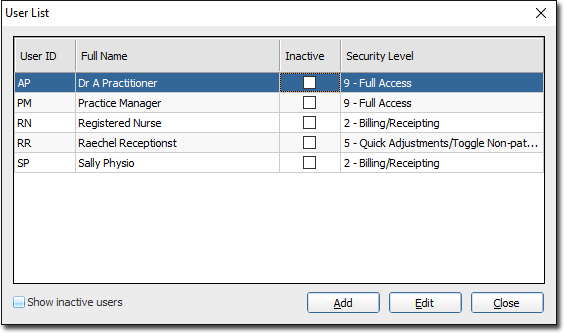
Select . The User List window appears.
-
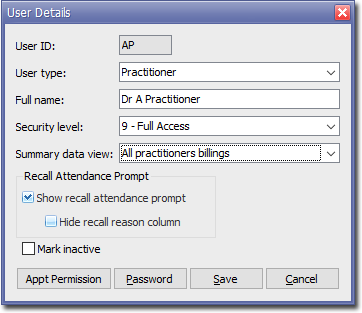
Double-click the user you want to edit. The User Details widow appears.
-
Click

The Appointment Permission window appears.- Indicate for Appointments in general, whether the user can;
- (disables all other functionality)
- Add/Edit and/or Delete appointments
- Indicate which setup and sub-menu access the user has.
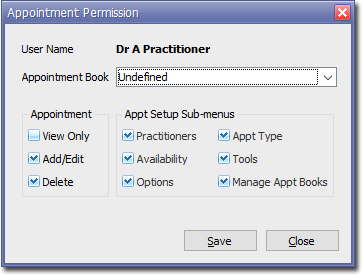
- Indicate for Appointments in general, whether the user can;
-
Click

to confirm your changes.