Cash / Cheque Exchanging
Before you begin
If registered practitioners need cash from the till, they can exchange a cheque or cash.
Procedure
-
Either:
- Click
 Banking
 - Select
- Click
-
The Banking window appears.
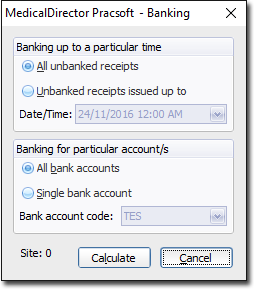
It is not necessary to make any selections on this window. -
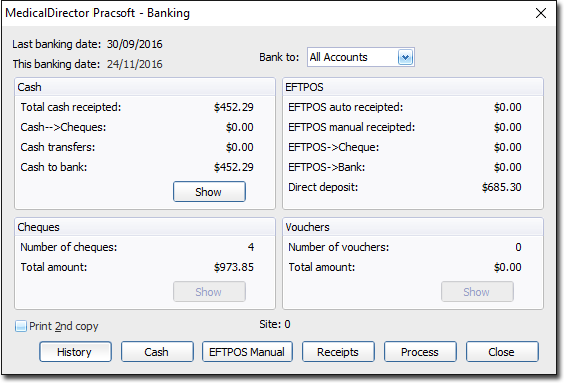
Click Calculate. A secondary Banking
window appears.
-
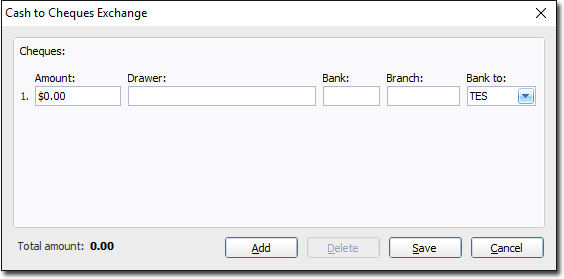
Click Cash. The Cash to Cheques
window appears.