Non-Patient Appointments
Add non-patient appointments to the Appointment Book alongside other types of appointments.
Before you begin
A non-patient appointment might include staff training sessions, or visits by drug company representatives.
Procedure
To add a non-patient appointment:
-
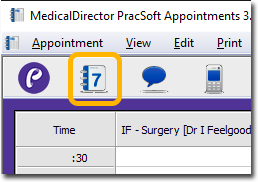
Open the Appointment module, either:
- Click
 Appointment Book
 - Select .
- Click
-
To add a non-patient appointment for one practitioner:
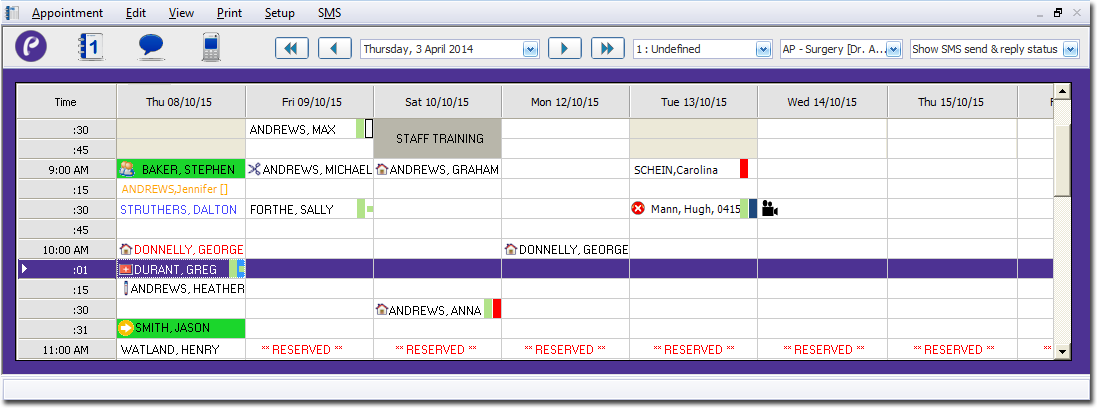
-
Ensure you are in 'Week' view.
- Select the Practitioner for whom you want to assign the appointment, using the associated drop-down list.
- Select an appointment slot. Alternatively, to create the same appointment across multiple days, click-and-drag your mouse across multiple appointment slots.
- Type in some text to describe the non-patient appointment.
- Press CTRL+Enter.
-
Ensure you are in 'Week' view.
-
To add a non-patient appointment for multiple practitioners:
-
Ensure you are in 'Day' view.
-
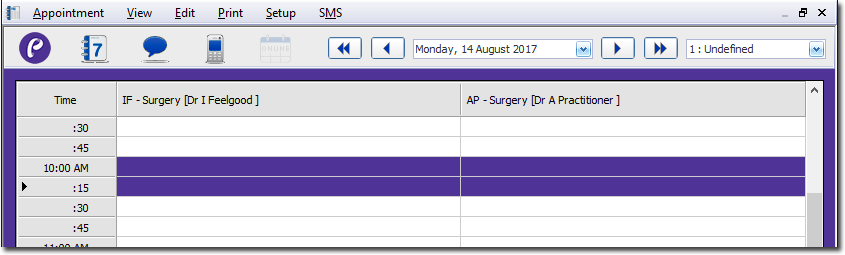
Locate the time you want to start the appointment. Then, click and drag your
mouse across multiple columns/rows to select multiple slots simultaneously. In
the example below, we have selected a session from 10:00 to 10:30, for two
practitioners.
-
With the appointment slots selected, type in some text to describe the
non-patient appointment. The example below shows that Staff Training has been
scheduled.
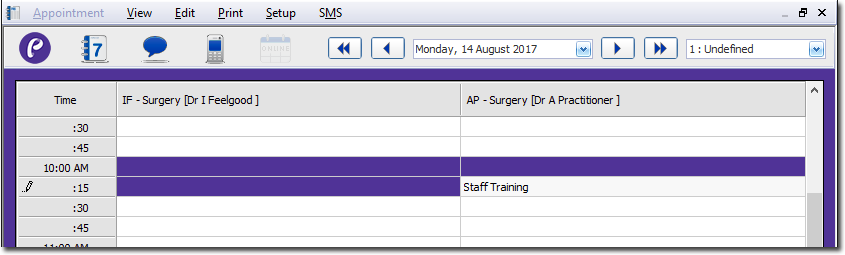
- With the appointment slots selected, type in some text to describe the non-patient appointment.
- Press CTRL+Enter.
-
Ensure you are in 'Day' view.
Results
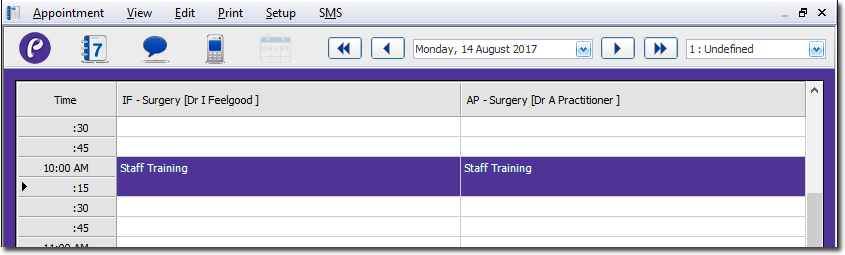
The non-patient appointment block now appears in the Appointment Book. For
example: